Inclement Weather & Emergency Shelters
When a freeze warning or heat advisory hits, you don't have weeks to configure software. You have hours.
Key Features
How It Works
Stand the site up before the advisory
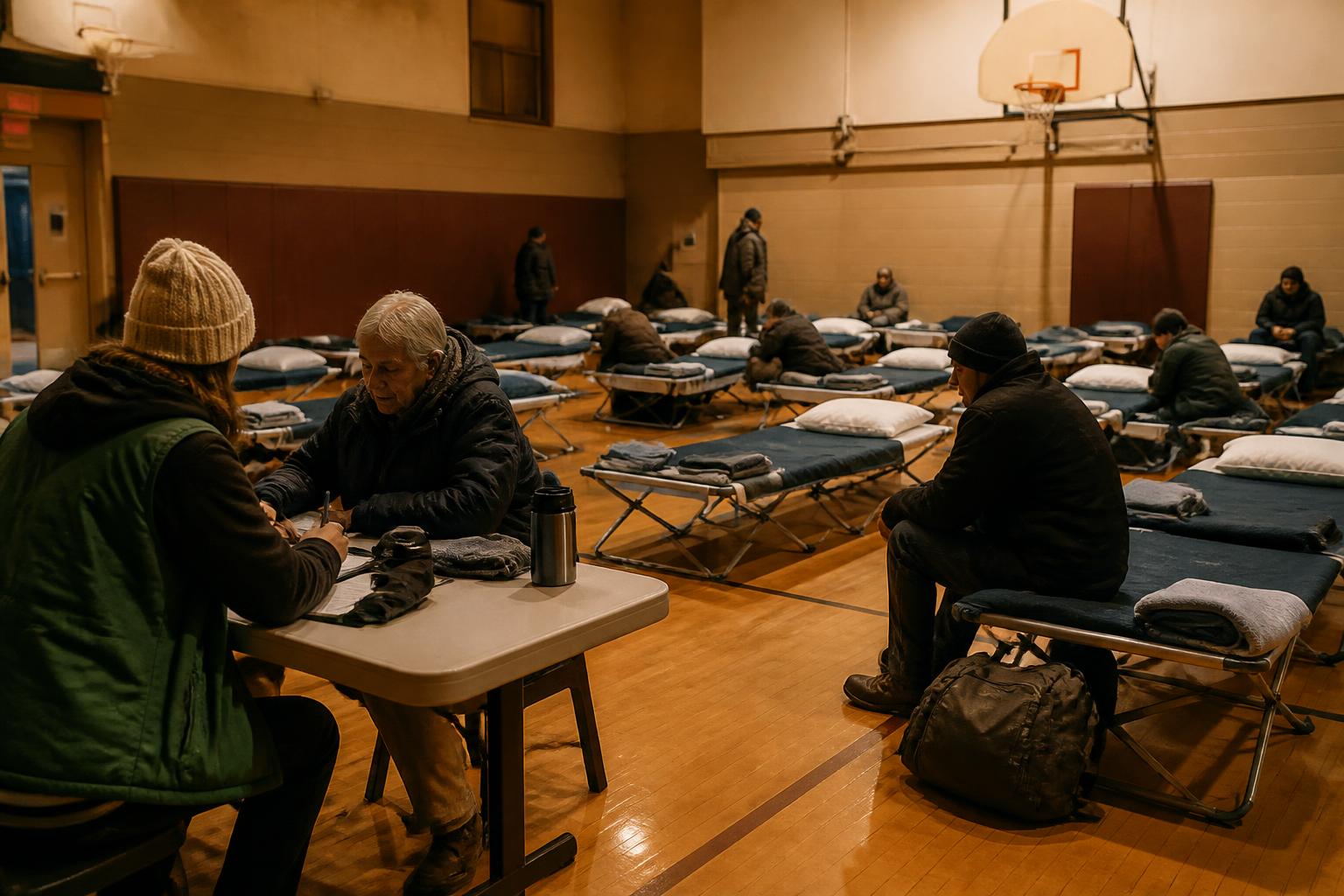
Overflow cots in a gymnasium, cots in a church hall, mats in a library meeting room. Load your sites from a spreadsheet — name, program, facility type, capacity, operating hours, address — against a template you download, and any row that fails comes back with the reason. Hours are set per day and can run past midnight, which is what an 8pm-to-7am warming site is. Beds are marked available, occupied, in maintenance or out of order, one at a time or a whole room at once. Set it up in October, and the site is standing when the first hard freeze lands in January.
Take people in at the door
People arriving at a warming station at 9pm aren't filling out a twelve-field form. Publish an intake form to its own web address and share it as a link, or embed it in the host church's own site with a line of script. Anyone can fill it in with no account and no login, and the person signs the release themselves on their own phone. Intake asks for a first name and a gender; date of birth, SSN, address, phone, email and ID are all optional, because the person in front of you may not have any of them. Check a whole household in as one action, so a family is not split at the door. The line keeps moving, and a public submission arrives pending for someone on your team to approve or merge into an existing record.
Work the queue when the beds run out
Bed requests record how the person reached you — walk-in, phone call, referral, self-referral, transfer — and sit in a queue triaged Emergency, High, Normal or Low, so the order reflects urgency, not arrival. Beds flagged as emergency beds can be assigned past a site's stated capacity, up to 20% of it. Requests age out of the queue on a timer set by their priority. Bed availability is shared with your partner organizations, so a site that fills has somewhere to send the next person. Every change to capacity, every bed status, and every assignment carries the name of the person who made it.
Count the night, and stand the site down after
Bed nights are recorded per night for sites that reopen each evening, which is the number your funders and city partners ask for once the weather clears. Seasonal totals come out of the work itself, not a reconstruction from sign-in sheets in February. Export to HMIS under the night-by-night emergency shelter project type, so a seasonal site carries the same reporting obligation as the rest of your CoC. Volunteers can work the door on a role that stops short of full administrator access. And when spring comes you close the site, then open it again next winter without building it twice.
Related
Shelters & Recovery
Year-round beds alongside your seasonal surge capacity
Homelessness Services
The outreach teams referring people in from the cold
Continuums of Care
Bed nights that roll up into HMIS and HUD reporting
OurCalling
Street outreach in Dallas, 10,000+ neighbors a year
From the Advisory to the Door
Start a free 14-day trial with every feature unlocked — no credit card, cancel anytime.
Want a discount?