Shelters & Recovery Centers
See what beds are free, work the queue by urgency, and follow each person through your program. For shelters, rescue missions, and recovery centers.
Key Features
How It Works
Decide who gets the bed, fairly
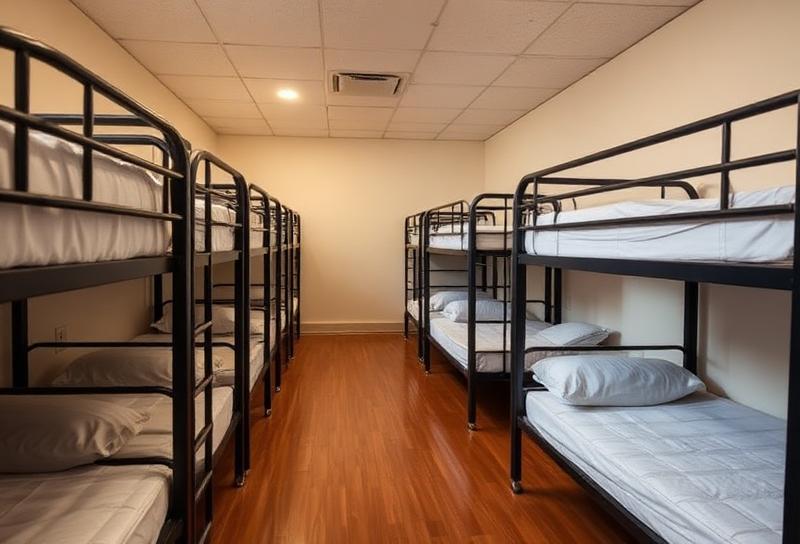
See what is free right now across your facilities, rooms and beds. Bed requests sit in a queue triaged Emergency, High, Normal or Low, so the order reflects urgency, not arrival order, and you can answer the two questions every funder asks: who was waiting, and how many did we have to turn away. Hold a bed for someone arriving later, transfer between beds, and check a whole household in together so a family is not split up at the door.
Move people through the program
Define the phases your program runs and move each enrollment through them, so "what stage is she at?" has one answer everybody can see. Goals carry dated milestones. Assessments run on a real cadence — at intake, then 30, 90 and 180 days, and at discharge — scored automatically and compared against the previous result, which is what outcome measurement means to a recovery center rather than a bare bullet.
Keep the building safe, and the record straight
Document an incident with everyone involved, attach notes and files, and follow it through. Where an incident leads to a service suspension, the suspension is linked to the incident that caused it, so a decision your team has to defend to a board, a licensor or an insurer has its reasoning attached. Safety alerts sit on the profile where the next staff member sees them before they walk into the room, and case managers are assigned so nobody falls between shifts.
Related
Beds, Programs, and the Safety Record in One Place
Start a free 14-day trial with every feature unlocked — no credit card, cancel anytime.
Want a discount?